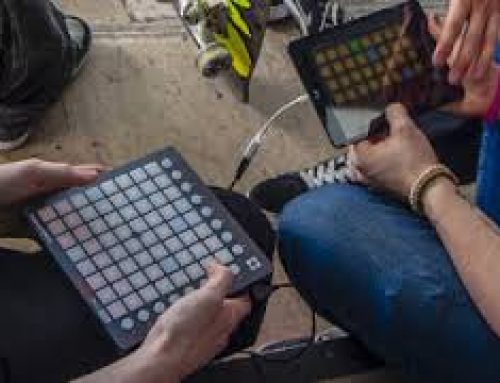
Recording MIDI in Ableton Live can be hard to navigate live. The video Below goes over the basics of using a MIDI Translator to control Ableton Live to make this a lot easier.
To Do This:
First Download Bome’s MIDI Translator: http://www.bome.com/products/miditranslator/overview/classic
After you Install this you can set your MIDI controller. Then Set whatever signal you want by pressing it and then set the Outgoing. I set the outgoing to Right, Left, Up, Down, and Enter.
By Setting a Key on your MIDI controller to enter it will then start to record your MIDI on the track. Then enter again will play the MIDI loop in time.
This technique has opened a lot in my live set and opens up WORLDS of possibilities with Keystrokes.